 lane4dev • apps
Context-aware rewriting
Transform wording for a specific audience, channel, tone, or communication goal.
Say what you mean, in the context that fits.
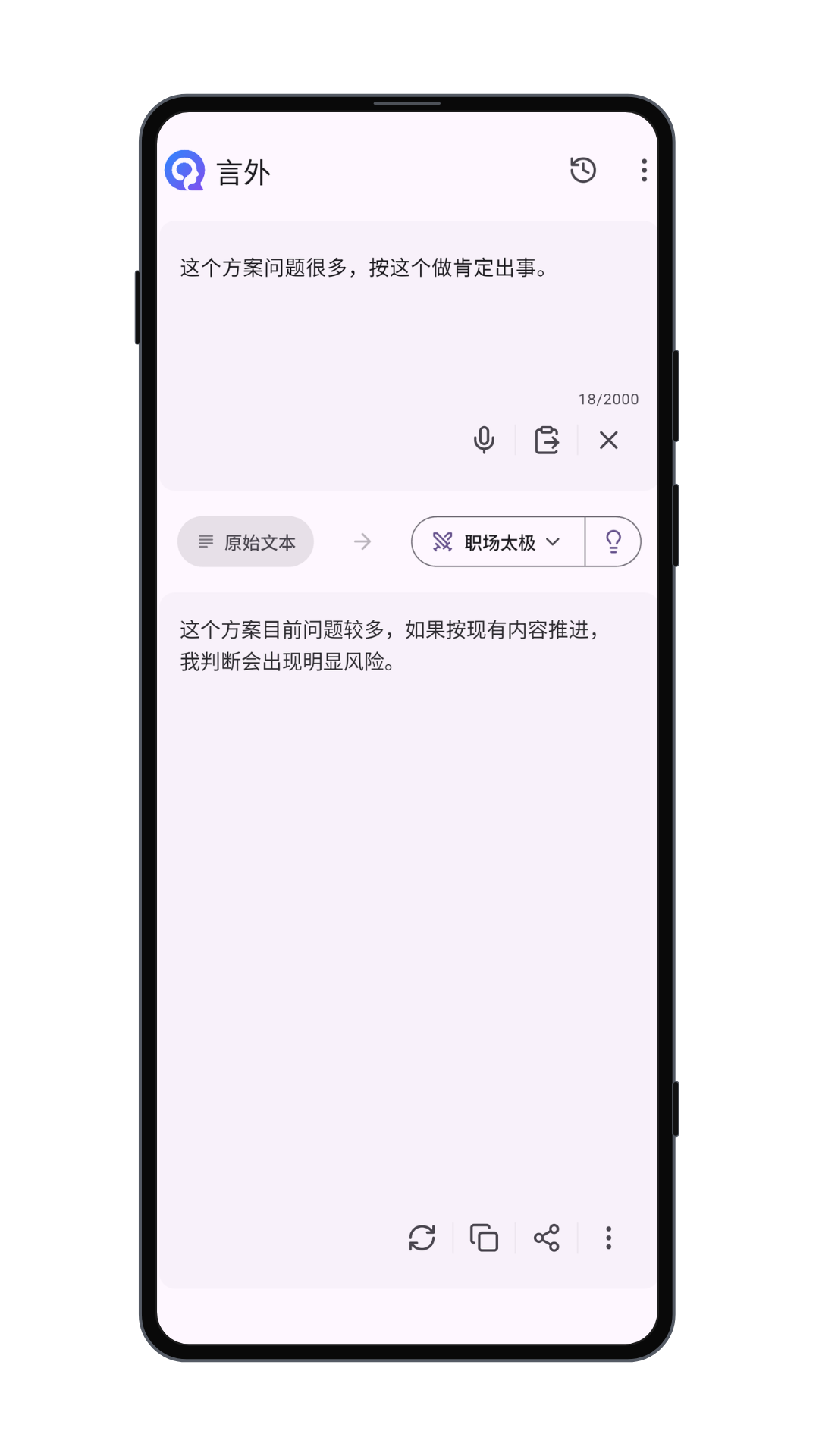
Beyond Words helps you transform existing text without inventing missing facts. Select a context, provide your text, review the generated result, and refine it before sharing.
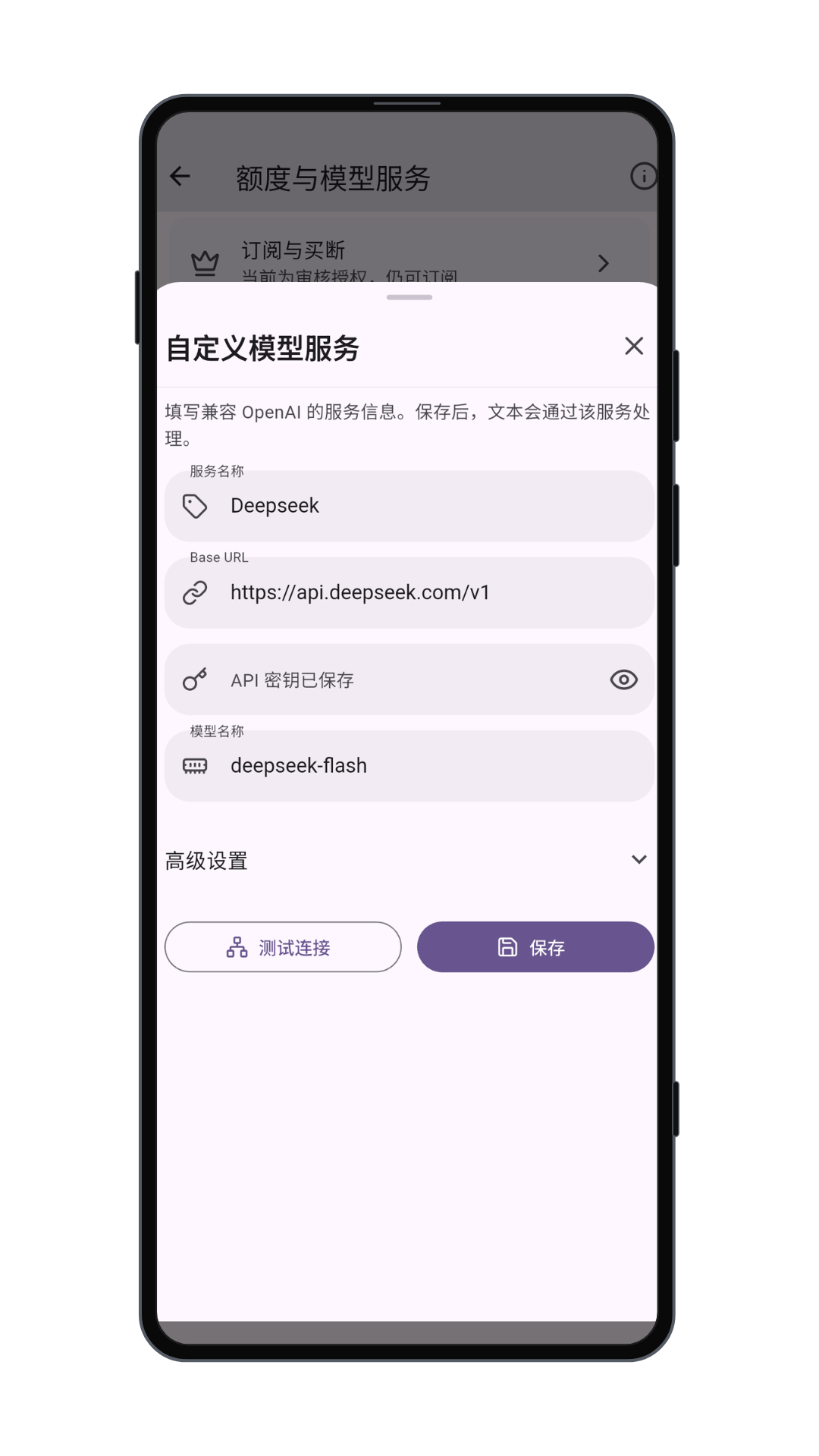
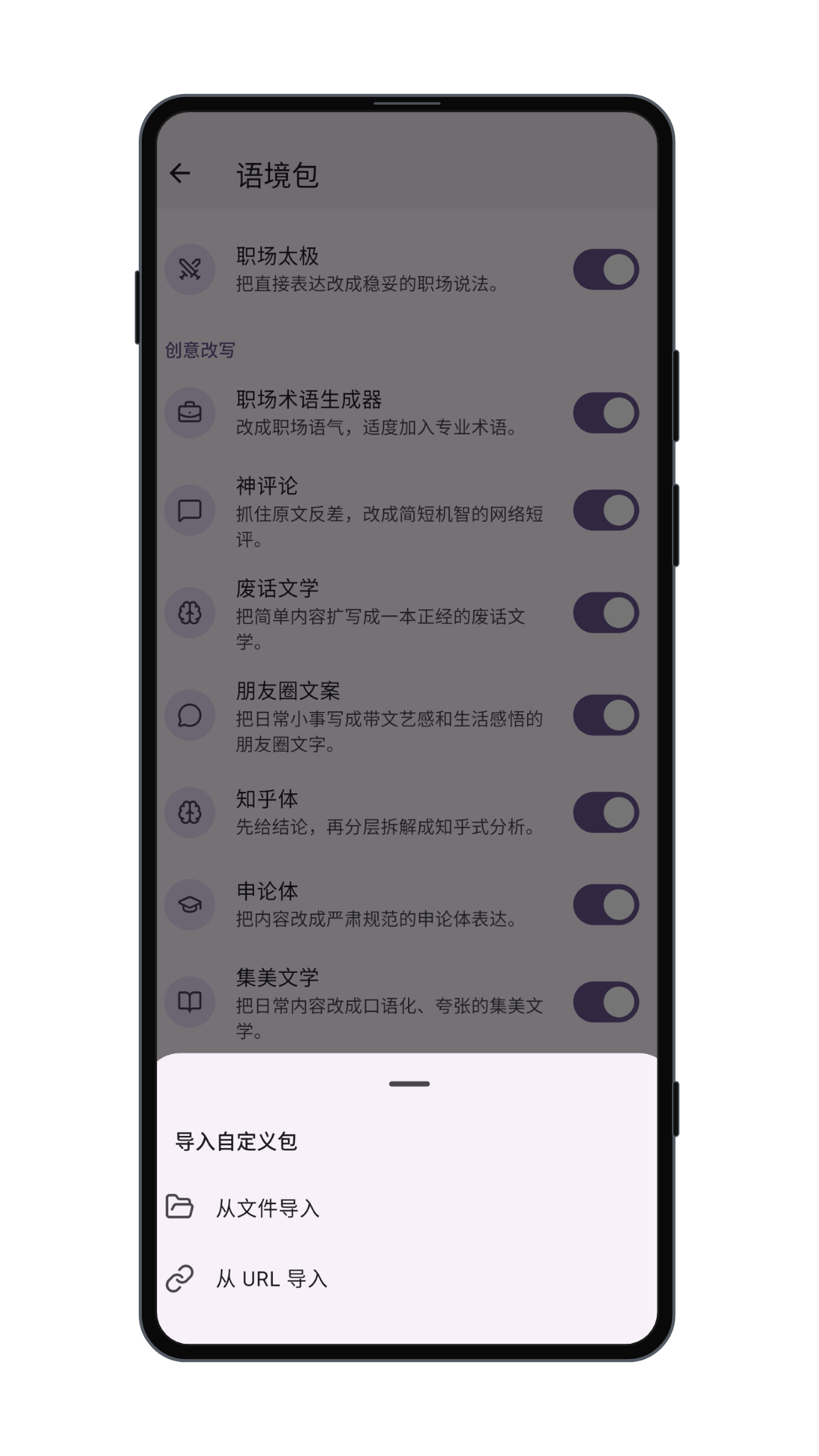
01 / Capabilities
Focused transformations for real communication, with review and control kept in the loop.
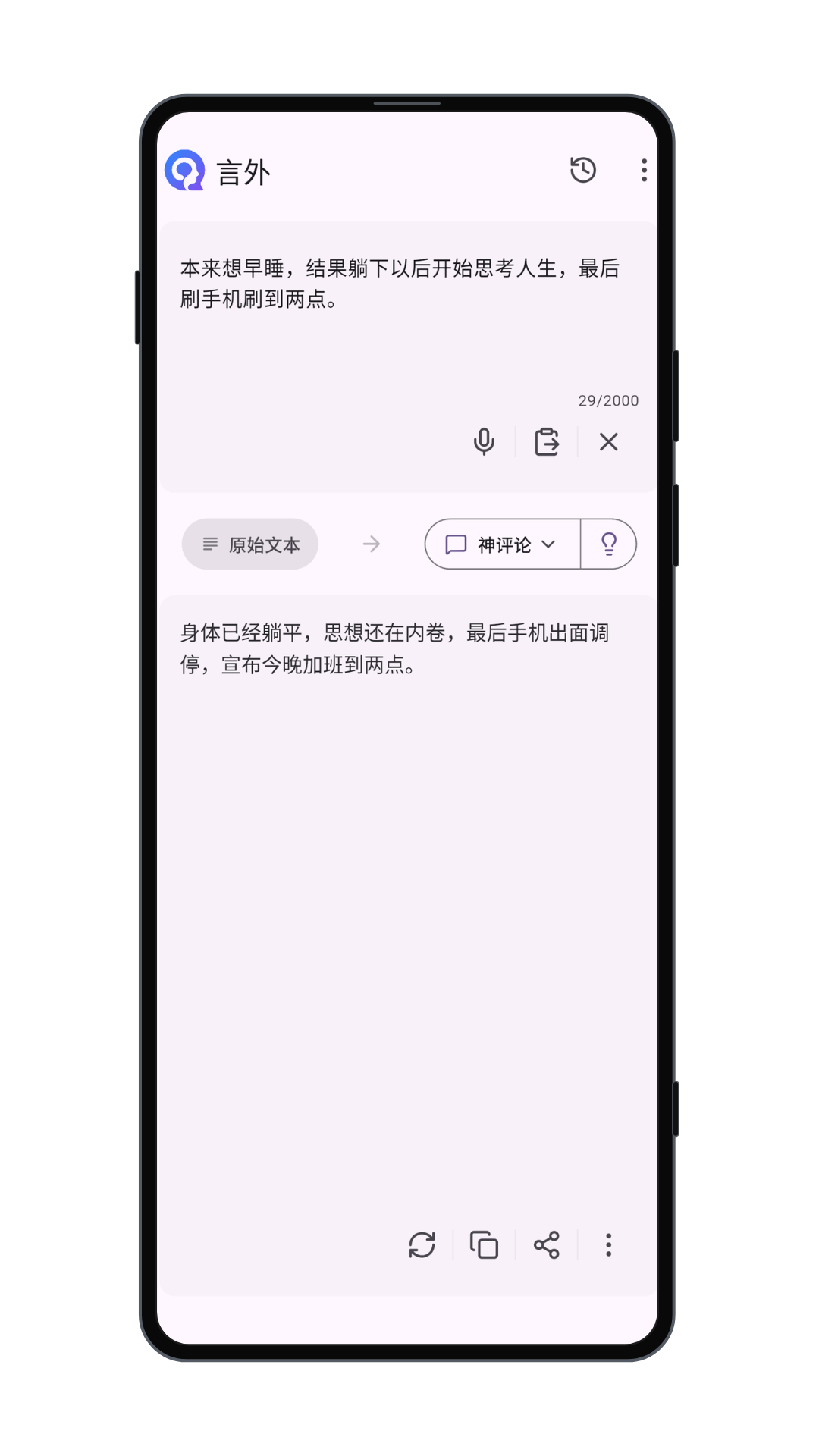
Transform wording for a specific audience, channel, tone, or communication goal.
Preserve the practical meaning of a message while adapting it to another language.
Turn a rough one-line request into a structured prompt suitable for a language model.
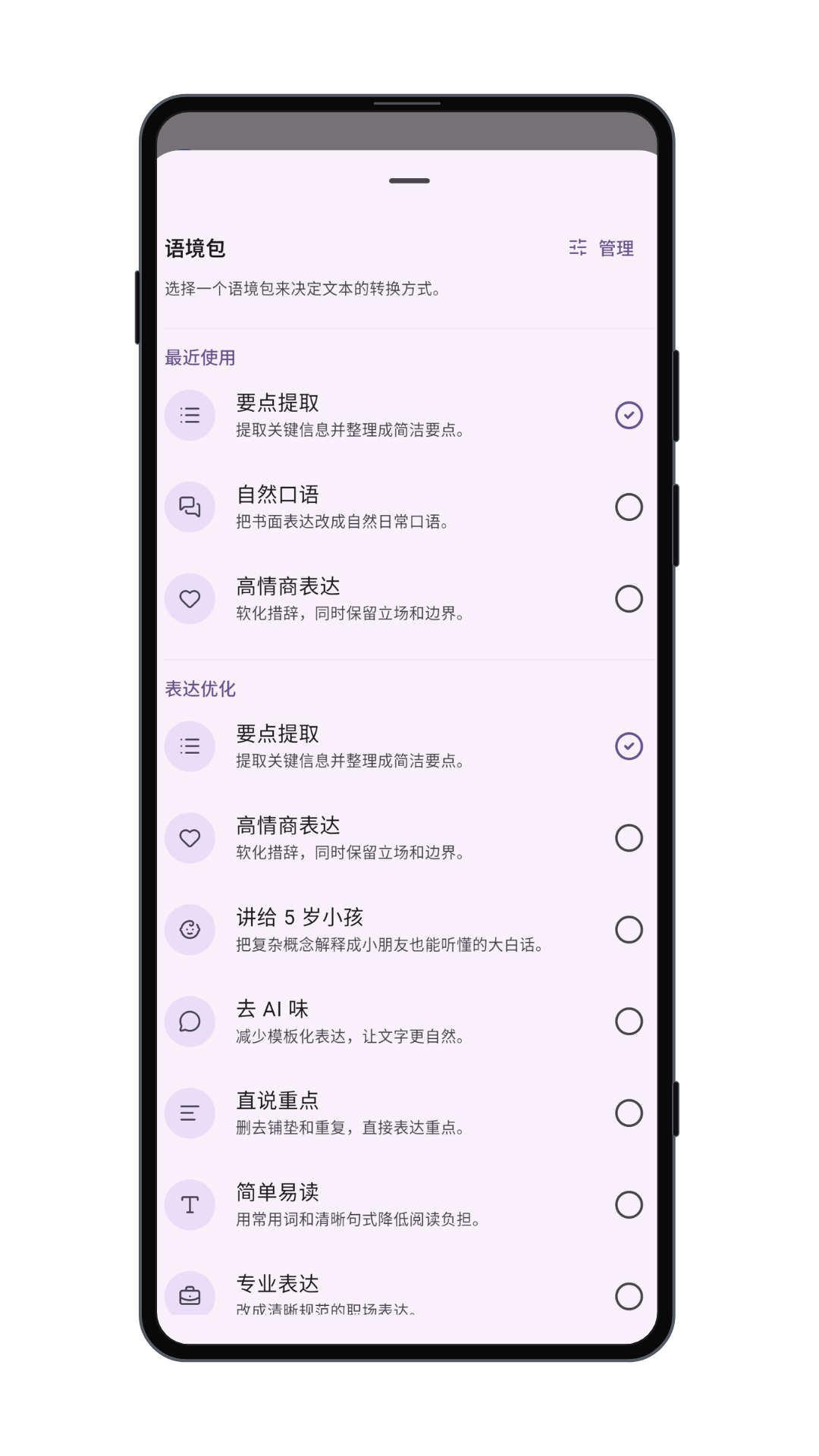
Use built-in or imported context packs for repeatable transformations.
Generated text remains editable so you can verify facts, tone, and suitability.
Return to previous results stored on the device and continue refining them.
02 / Workflow
Choose the intent, provide the source, then review the result before it leaves your hands.
Select the transformation that matches the communication situation.
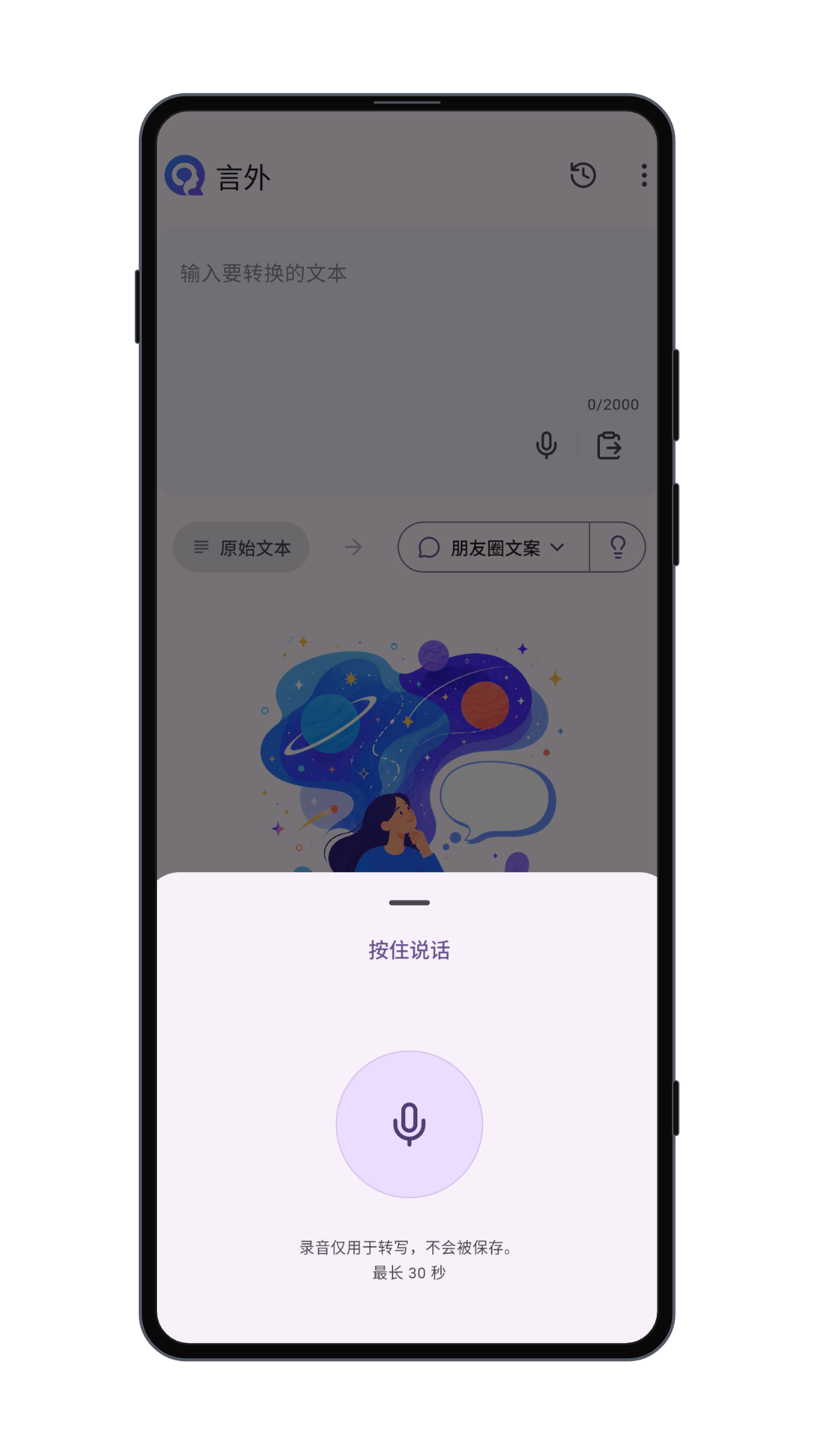
Beyond Words works from the text and context you supply.
Check the result before copying, sharing, or using it elsewhere.
03 / Transparency
Review the policy, service terms, and support options before using cloud-backed features.