 lane4dev • apps
Record income and expenses
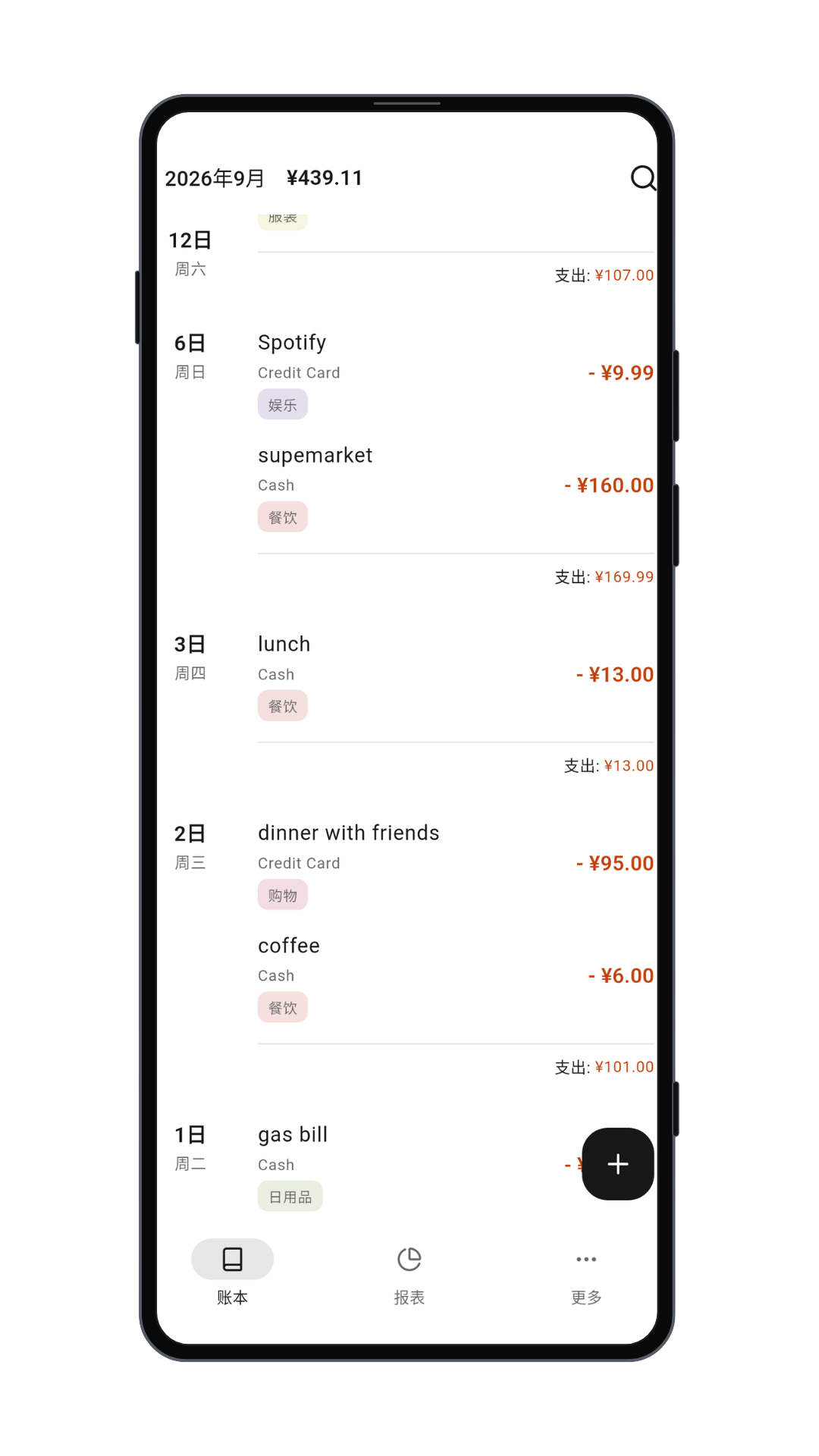
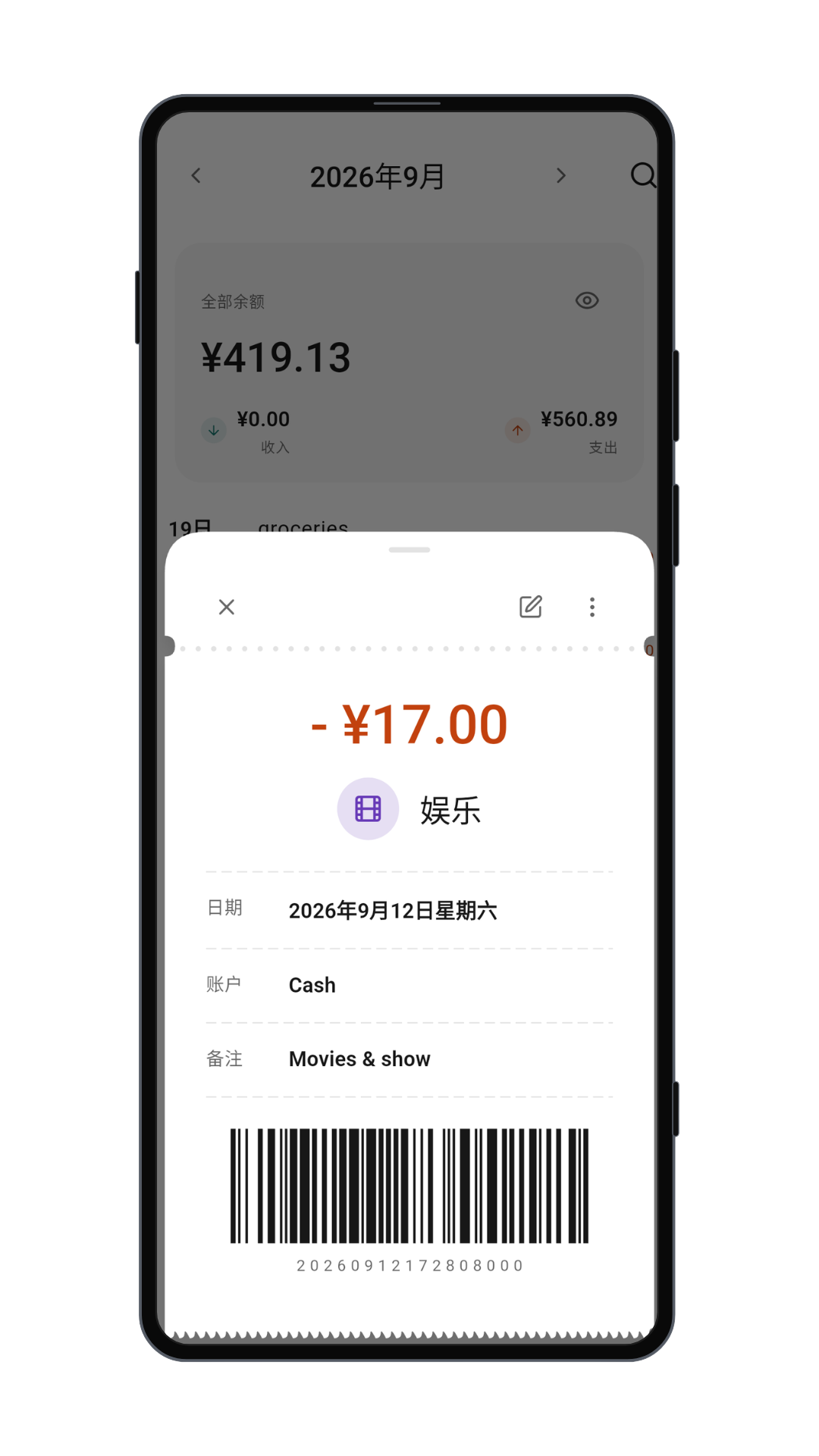
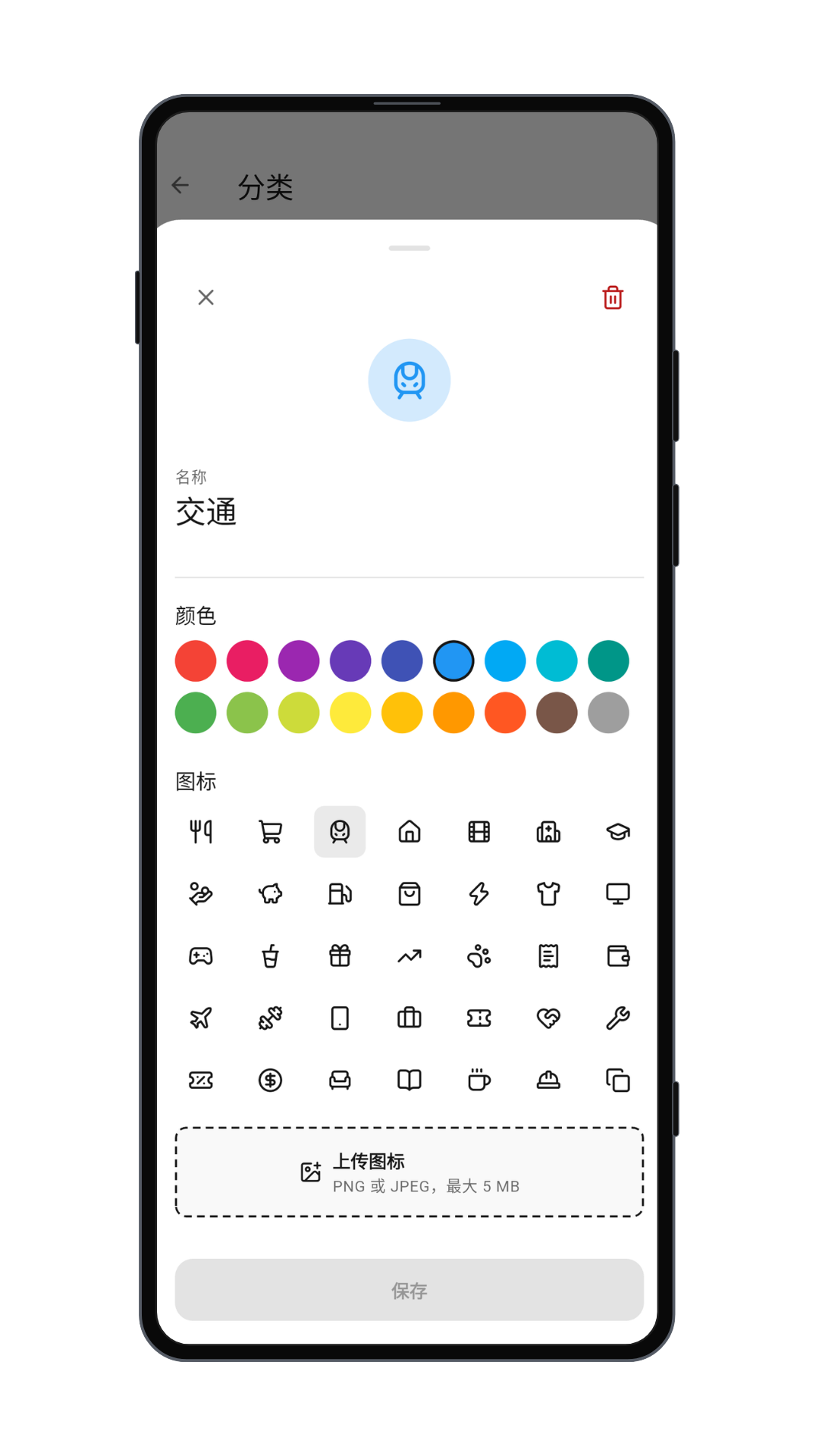
Choose an account and category, add an amount, date and note, and attach files.
A clearer picture of every expense and income.
Record income and expenses, manage accounts, review monthly reports, and plan future bills and reminders. Your ledger stays on your device.
01 / Capabilities
Keep track of your money, from daily transactions to upcoming bills.
Choose an account and category, add an amount, date and note, and attach files.
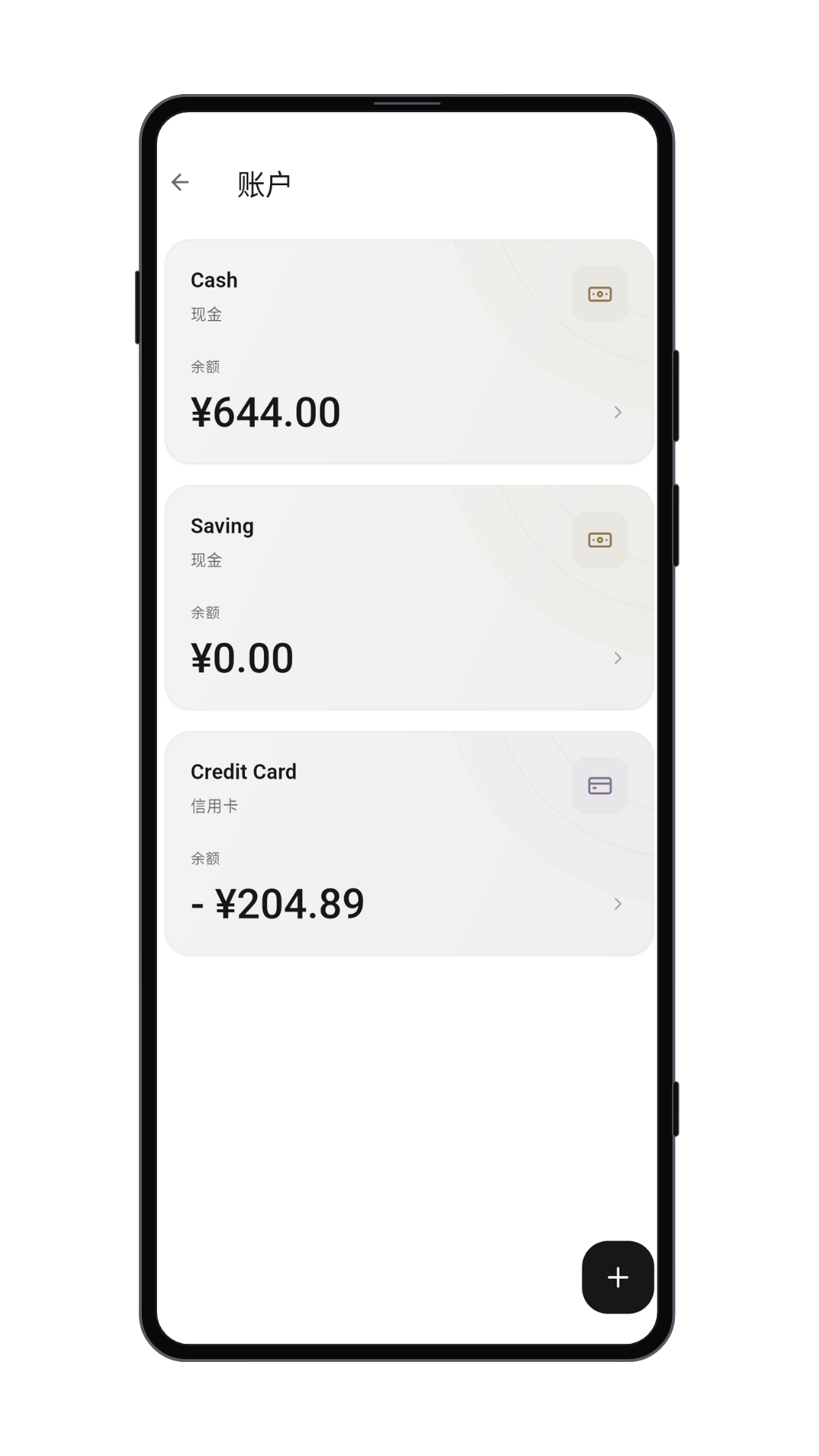
Track balances and transfers, and choose which accounts count toward your total.
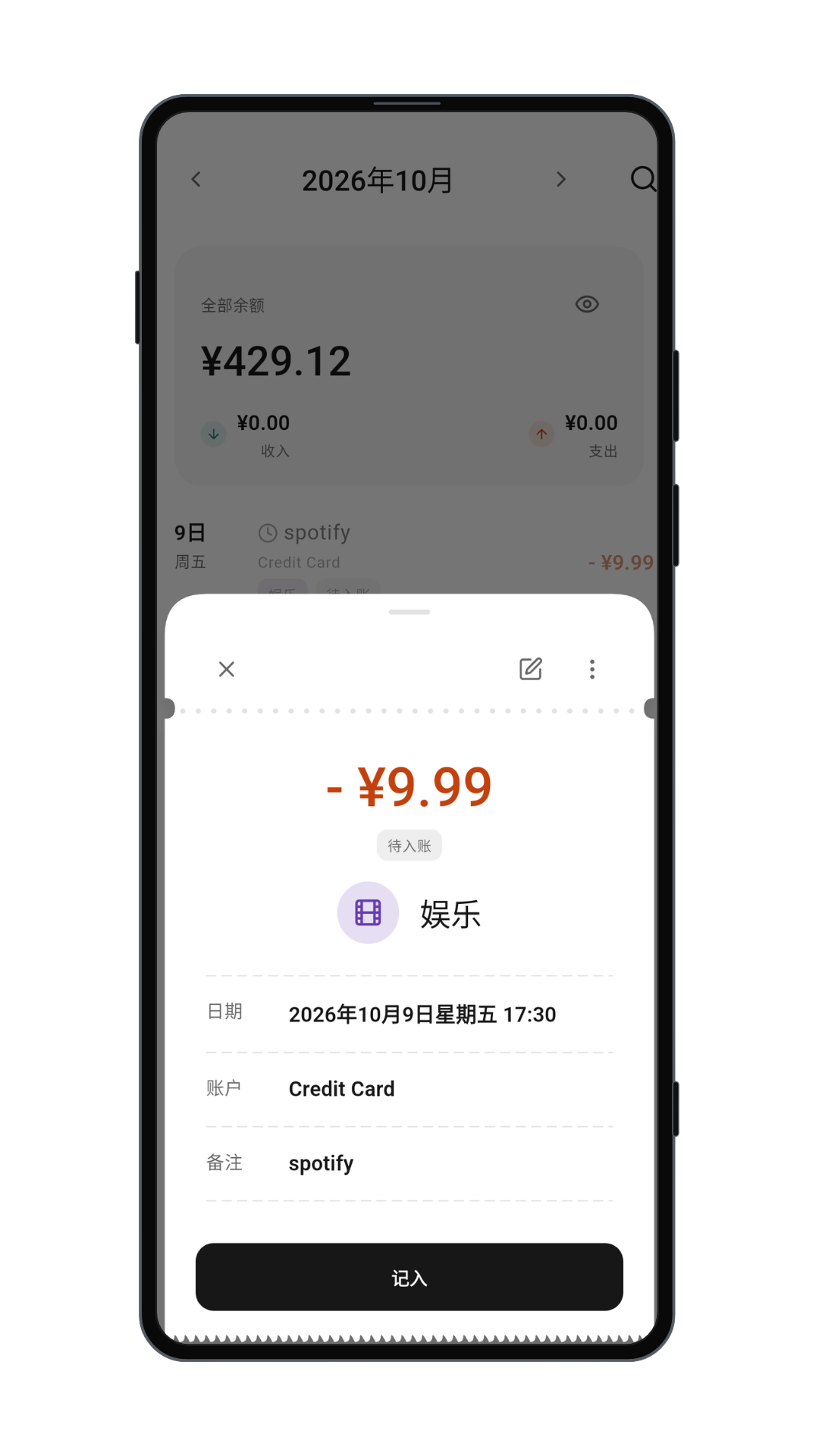
Set up scheduled or recurring transactions, subscriptions, and reminders. Due subscriptions are posted when the app starts.
02 / Workflow
Record transactions, plan ahead, and review your finances.
Add transactions and organize them by account and category.
Schedule future bills and set reminders.
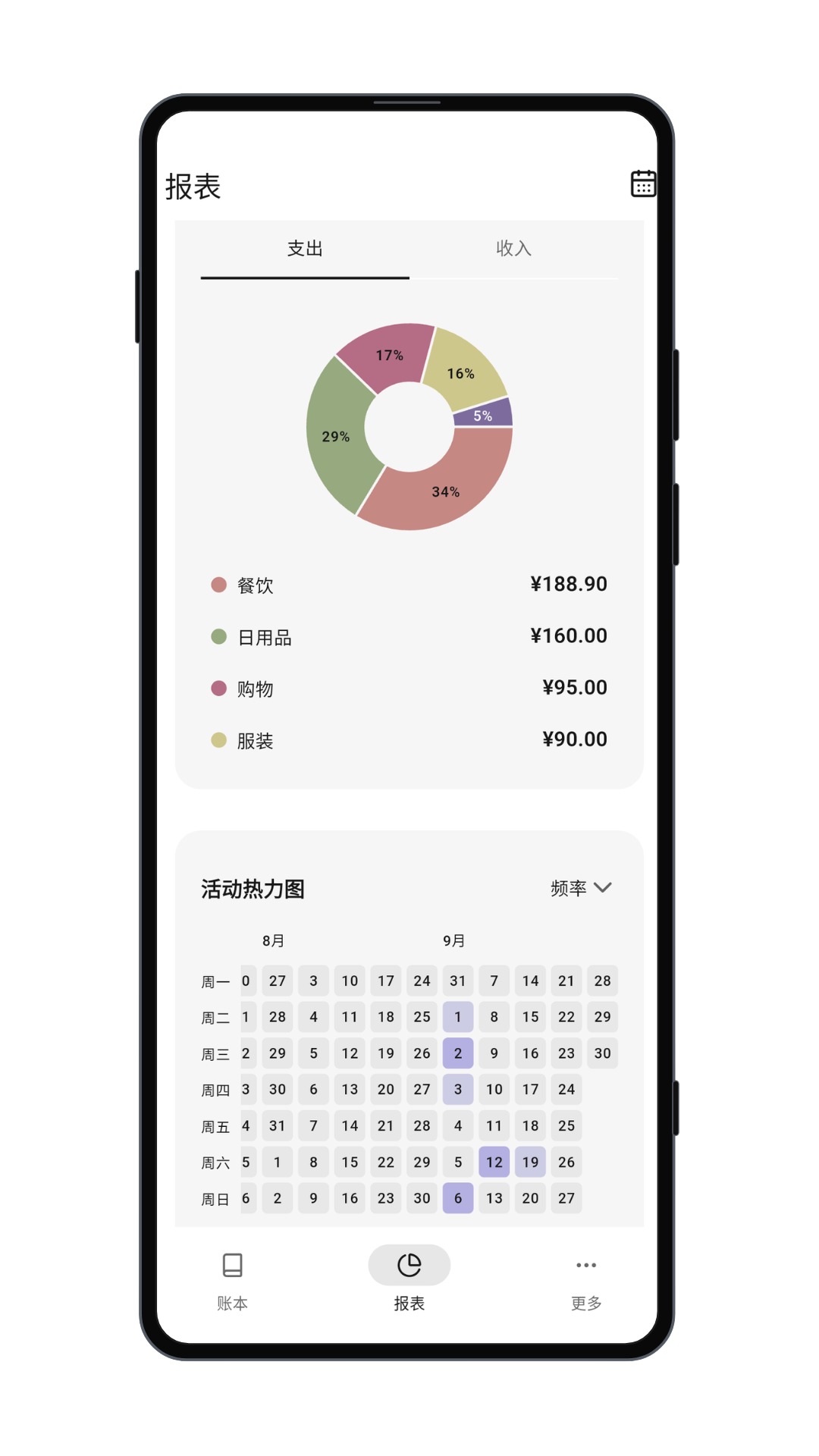
Review reports and regularly save a backup and your original attachments.
03 / Transparency
Learn about local storage, backups, and the support available to you.