 lane4dev • apps
Choose your AI provider
Select a supported provider and model, set an output language, and customize the prompt.
Get to the point, one section at a time.
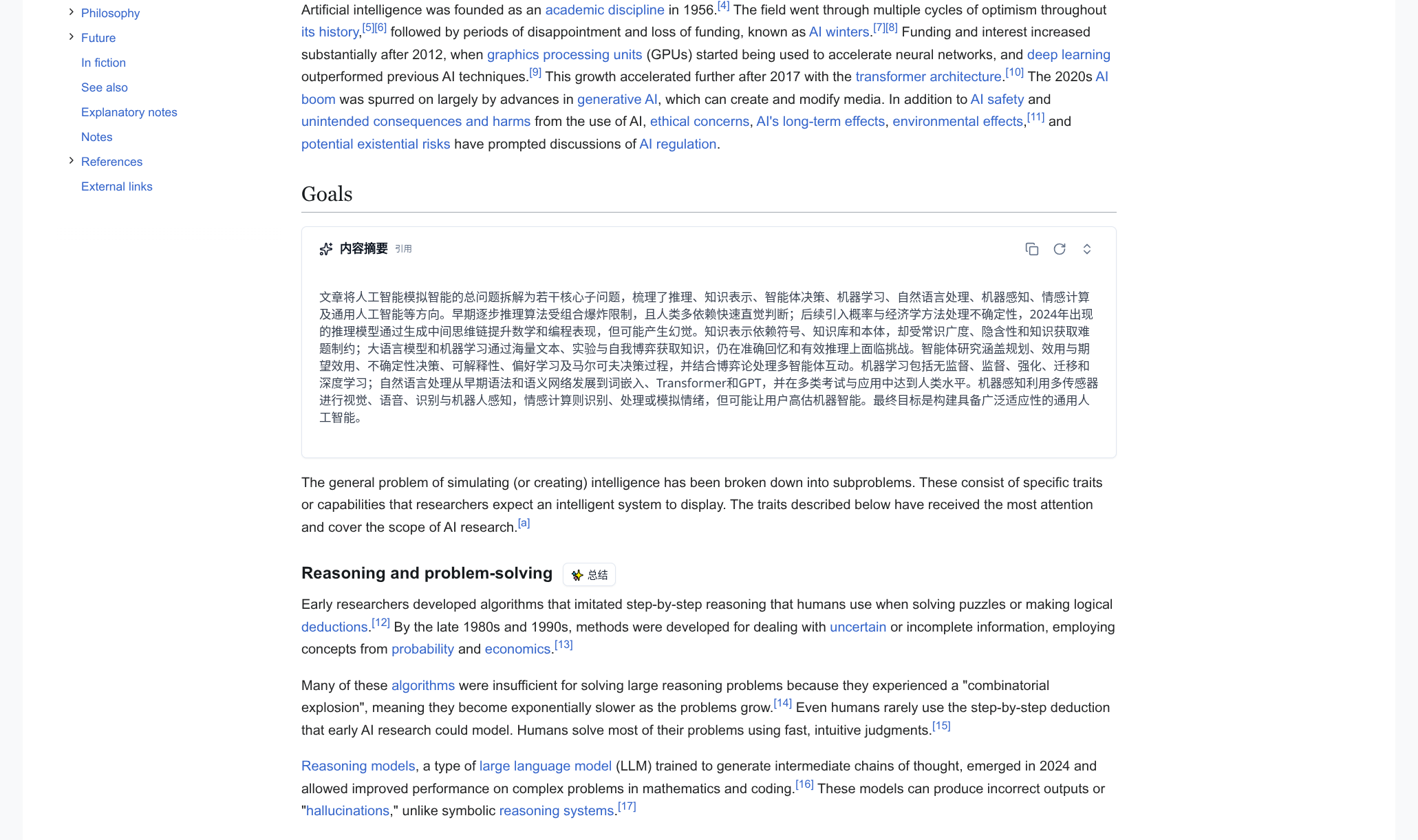
Choose a heading to summarize its section and subsections without leaving the page.

01 / Capabilities
Choose the sections and AI provider that fit how you read.
Select a supported provider and model, set an output language, and customize the prompt.
Summarize a heading and its subsections, or the whole article when its main title is detected.
Read summaries beside the source, inspect extracted text, copy a result, or generate it again.
02 / Workflow
Set up a provider, open an article, and choose a section.
Choose a model and enter an API key if needed, or configure a supported endpoint.
AI Heading Brief finds article headings on enabled sites and adds summary buttons.
Select a button to generate a summary beside the original text.
03 / Transparency
Review how the extension handles page content, settings, and summary requests.